
Want to keep using an old computer that is still works fine, but the latest version of Windows refuses to work?
Or do you wish to be rid of Windows, as well as other paid software, that even as you pay for a monthly subscription data-mines your personal details.
I have used Linux for daily life and work for over three years. During that time, I have browsed the web, handled all kinds of files, edited photos and videos, and spent thousands of hours playing games.
I can provide help with anything you need done, and how to switch. If you are interested, contact me and ask for more details. Let’s find out together if the Linux operating system is a suitable option for your needs.
There are many Linux distros, each suitable to slightly different needs. With my help, finding the right one for you is simple. With a lightweight distro, an old or weak computer gets a nice boost as the OS can be made less demanding. With one meant for gaming, you can easily install and play Steam, Epic, and GOG games.
Installation and Intro
80€
+40€ if visiting you
Visit me with your computer, or have me come to. Linux install of a suitable distro and an introduction to get you started.
Linux Support
60€/h
+40€ when visiting you
Support with whatever you need done. I bring you the expertise to figure how to get things working on Linux.
Linux Server
60€/h
+50/h remote
System administration services and maintenance. For servers and other Linux machines.
Recommendation: Fedora Kinoite
Up to Date. Safe. Familiar.


Up to Date and “Atomic”
Kinoite stays up date through automatic updates. Even on ancient systems. Forget updates that interrupt what you are doing, because Kinoite installs updates in the blink of an eye as it restarts. They are downloaded in advance without disturbing normal use, and are applied whenever YOU decide.
Kinoite is “atomic”. This means the core of the system is separate from user activity, safe from potential harm.
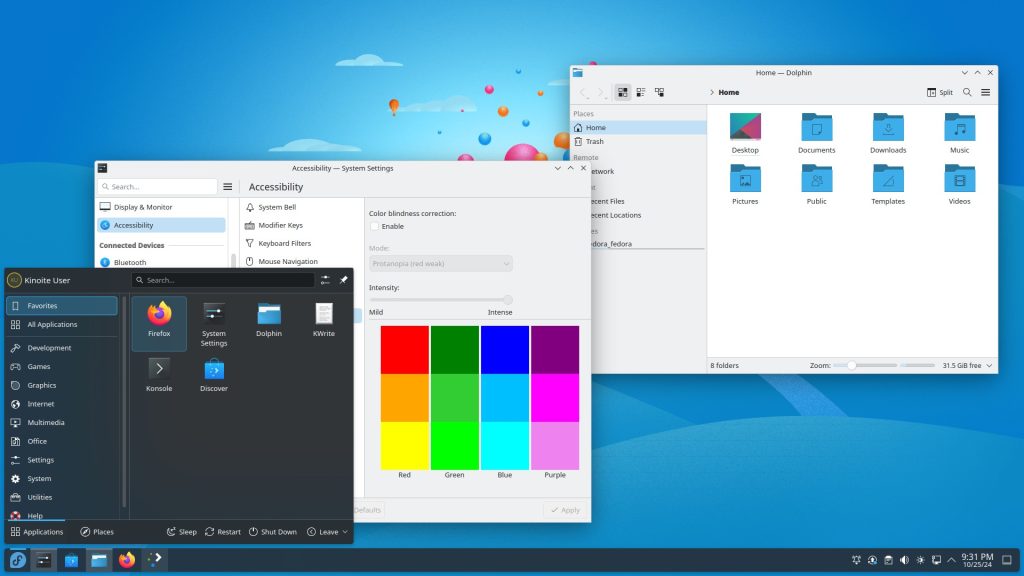
KDE Desktop
Immediately familiar to those used to Windows.
A bottom task with your apps, featuring and start button in the left corner. You don’t need much more than that to get started. KDE leaves out all the extra buttons, and strips things down to what you really need to get things done.
Their motto is “Simple by default, powerful when needed.” for good reason.
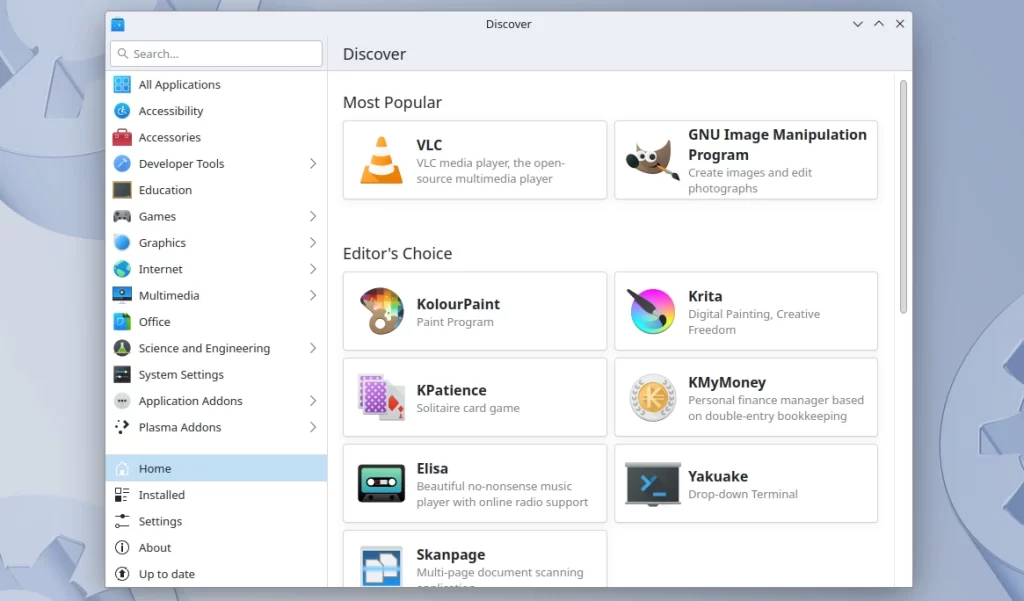
Discover and Flatpak
Browser and easily install all kinds of software. Both familiar and new. Whatever needs doing, you can find something suitable. Chrome, Firefox, Stem, Discord, Slack, Spotify, and so much more.
No need to download installers from all over the web, or risk installing something you didn’t mean to.
And it’s free!